
A TikTok advertising workflow can involve a campaign brief, creative files, account reports and several rounds of adjustments. Even a simple question about yesterday’s results can send a marketer through multiple screens.
TikTok for Business MCP Server gives compatible AI agents a connection to advertising tools. Agentic Hub adds a place to discover Skills that help agents carry out particular marketing workflows.
For a business owner or agency, the interesting question is what this combination can do for work that already consumes time. This guide explains the pieces, the available capabilities and a sensible way to evaluate them.
What Is TikTok for Business MCP Server?
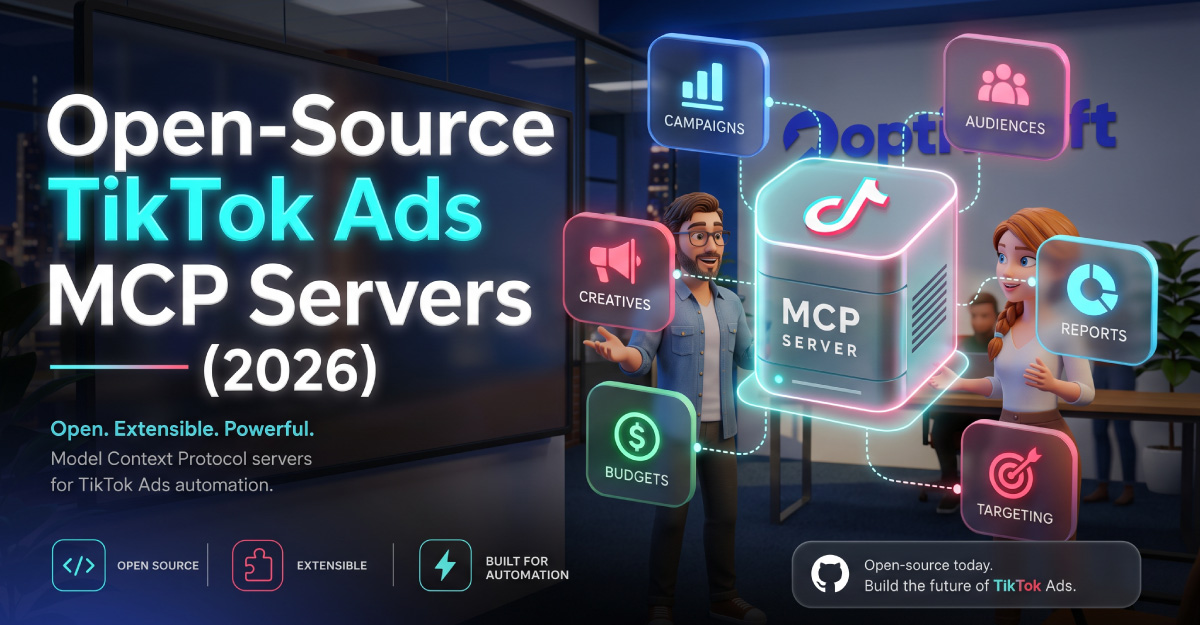
TikTok for Business MCP Server connects AI agents to the TikTok Ads platform through Model Context Protocol. TikTok describes support for campaign management, reporting, audience configuration and creative operations.
The server exposes advertising functions as tools that an agent can call. Supported actions include campaign creation, budget adjustments and ad group pausing, alongside reporting.
Because those actions can affect a live account, decide which tasks you want the agent to perform before connecting it to a routine business workflow.
What Is TikTok Agentic Hub?
Agentic Hub is TikTok’s marketplace for AI advertising solutions. It provides first-party and third-party Skills for areas including campaign work, creative generation, performance analysis, audience insights and catalog management.
MCP supplies the connection to advertising tools; a Skill supplies a workflow for the agent to follow. You can use a ready-made Skill, develop a custom workflow or connect an agent directly without a pre-built Skill.
When reviewing a Skill, look at who created it, what it asks the agent to do and what access it needs. Choose it for a specific task you can evaluate.
How Do Agents, Skills and MCP Work Together?
Imagine your team wants a weekly account review. You provide the objective and reporting period. A suitable Skill can guide the agent through the review, while the MCP connection gives it access to supported advertising tools.
For your trial, ask the agent to show the evidence behind its conclusions. A readable summary is useful, but a reviewer also needs the account, dates and figures that support it.
Start with an instruction such as: “Review account [account ID] for the last completed week. Summarize campaign results and list questions for investigation. Do not change account settings.”
This example defines the scope and expected output. Test it against your connected application’s capabilities rather than assuming every agent handles the request in the same way.
What Can You Use It For?
The following are suggested workflows for evaluating the integration. Confirm the tools and permissions required by each task before relying on it.
- Preparing a campaign brief for review before account creation.
- Summarizing a defined reporting period.
- Investigating a change in a campaign’s results.
- Reviewing proposed audience or budget adjustments.
- Organizing questions about creative performance.
- Checking a catalog workflow against your team’s requirements.
Choose one of these as a trial rather than handing over every daily task at once. A narrow objective makes it easier to spot errors and measure whether the connection saves time.
Full Disclosure and Progressive Disclosure
TikTok documents two tool-loading modes. Full Disclosure loads roughly 400 tools at connection time; Progressive Disclosure starts with roughly 40 core tools and makes additional tools discoverable when needed.
The documented endpoints are:
- Full Disclosure:
https://business-api.tiktok.com/open_mcp/tt-ads-mcp-flat - Progressive Disclosure:
https://business-api.tiktok.com/open_mcp/tt-ads-mcp-layer
Select the mode that fits your agent’s context capacity and tool handling. TikTok positions Progressive Disclosure for more token-conscious setups.
During a trial, check whether the agent finds the right tools for your task. A large tool list alone tells you little about the quality of the completed work.
How to Get Started
TikTok describes its standard connection as requiring no developer credentials, API-key management or custom coding. You still need to follow the current connection instructions for your chosen application and authorize the intended account access.
A useful preparation sequence is:
- Choose one recurring task and define a successful result.
- Check the agent’s MCP compatibility and connection instructions.
- Confirm which advertising account you intend to use.
- Select a tool-loading mode and complete the connection.
- Review any Skill you plan to add.
- Test a reporting request and compare the output with your account report.
- Introduce account actions only after defining a review process.
Record the application, connection mode and Skill used during testing. If a later run behaves differently, those details help you understand what changed.
Benefits for Small Businesses and Agencies
The first potential benefit is less repetitive work. Pick a report your team prepares regularly and measure the full time needed to produce it, including checking and correcting the result.
A shared workflow can also help colleagues follow a consistent review process. Agree on the reporting period, metrics and questions the output should answer before reusing a prompt or Skill.
For agencies, consider how the workflow fits client communication. Try preparing an internal review and a simpler client explanation from the same verified figures. Check that both versions preserve the same meaning.
These benefits depend on how well the workflow performs in your account. Evaluate the completed task rather than the speed of the first response.
A Practical Agency Example
Suppose an agency wants to reduce the time spent preparing Monday reports. Its trial could cover one client account and a fixed weekly reporting period.
The agent prepares the summary. A marketer checks the figures and separates observed changes from possible explanations. The team then decides which questions deserve further investigation.
For a second phase, the agency might request proposed account changes in a reviewable format. Each proposal should identify the affected item, current setting, proposed setting and reason.
Track corrections and missing information throughout the trial. If the team repeatedly rewrites the same section, revise the workflow before adding more accounts.
Limitations and Questions to Resolve
An agent can interpret vague instructions differently from you. “Improve performance” leaves the target metric and acceptable trade-offs undefined. State the business objective and the information it should use.
Similar account or campaign names can cause confusion. Use identifiers when the task affects a particular account, and check the selected account before reviewing results.
Data can support several explanations. Ask the agent to distinguish observations, hypotheses and recommendations. A change in results does not automatically establish its cause.
A Skill also needs evaluation. A workflow that suits one advertiser may use assumptions that do not fit your products, reporting habits or approval process.
Finally, define ownership. Someone should check outputs, investigate unexpected behavior and maintain the workflow. Make that responsibility explicit before the trial becomes routine.
How to Review Account Changes
For an initial evaluation, keep reporting and execution as separate stages. Ask for recommendations first, then decide whether to authorize a specific action.
A review should answer: Which account is affected? What changes? Why is the change proposed? What information supports it? What will the team check afterward?
Check the controls your connected application actually provides. An instruction requesting approval should be tested rather than assumed to function as an enforced restriction.
For multi-client work, document who can approve each account’s changes. A consistent approval process makes proposed actions easier to assess and reduces ambiguity about responsibility.
TikTok MCP Server Pricing and Costs
The supplied pages do not establish a universal price for the complete workflow. Check current TikTok terms and the pricing of your selected agent and Skills before committing.
Consider advertising spend, any AI subscription or usage charges, potential Skill fees and the time needed for configuration and review. If your chosen setup requires infrastructure, include that expense too.
A setup described as requiring no coding does not settle the total operating cost. Measure costs alongside time saved during your trial so you can judge whether expansion is worthwhile.
How to Choose an AI Skill
Start with the task you need completed. A useful Skill should have a purpose that matches that task and outputs your team can check.
Read its instructions and identify required inputs. Does it need a campaign brief, reporting dates or a definition of success? Supply those details before expecting a reliable result.
Test it on a familiar task and note where human review is still needed. Compare Skills by the quality and usefulness of the work they produce, rather than choosing solely by name or description.
Is It Worth Trying?
Consider a trial if your team has repeatable advertising work and a clear way to verify the result. Start with one account, one task and a defined reviewer.
For OptivSoft readers, reporting is a practical first experiment. It gives you a familiar baseline for evaluating accuracy, preparation time and the usefulness of the agent’s explanation.
Expand when the completed workflow meets your expectations and the team understands how it should operate.
Frequently Asked Questions
Common Question
Answers about TikTok for Business MCP Server, Agentic Hub and AI Skills.
It is a connection that lets compatible AI agents use supported TikTok advertising tools. The available workflow depends on the agent, tools and authorized access.
It helps advertisers discover AI Skills for advertising workflows. Review a Skill's purpose and requirements before adding it to your agent.
Yes, supported tools include account actions. Define how proposed changes will be reviewed before introducing them into your workflow.
No. TikTok also describes direct agent connections and custom workflows. Choose the approach that fits your task and maintenance capacity.
Check your agent's context capacity and tool handling. Test whether the chosen mode lets it find and use the tools required for your task.
Check current service and Skill pricing. Include AI costs, review time and any infrastructure alongside your separate advertising budget.
No. Evaluate accuracy and workflow efficiency, then judge advertising decisions against your business goals and actual results.
